# 安装它！

在[上一步](https://wikidocs.tdogmc.cn/books/java/page/839ab "如何下载它？")中我们下载了Java17，接下来我们来安装它：

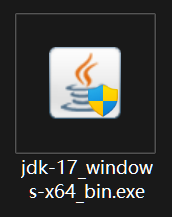
- ##### 如果你是从上一步的链接下载的，它应该长这样  
    让我们**双击**它打开  
    [![ipumk56jltkDDrzs-1n9xoukmyxi7ddmr-image.png](https://wikidocs.tdogmc.cn/uploads/images/gallery/2024-08/scaled-1680-/0NeCwCCVDmTp5hBO-ipumk56jltkddrzs-1n9xoukmyxi7ddmr-image.png)](https://wikidocs.tdogmc.cn/uploads/images/gallery/2024-08/0NeCwCCVDmTp5hBO-ipumk56jltkddrzs-1n9xoukmyxi7ddmr-image.png)
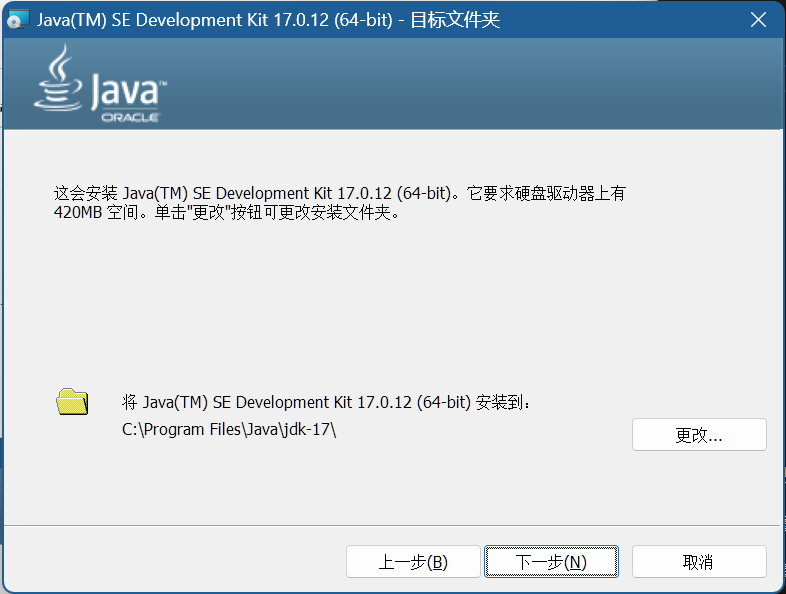
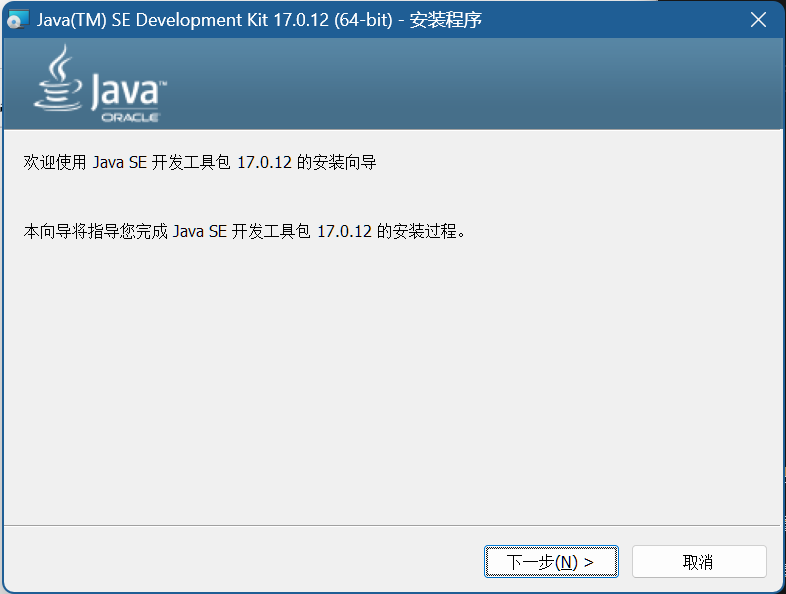
- ##### 我们得到了这样一个窗口——点击下一步
    
    ##### [![image.png](https://wikidocs.tdogmc.cn/uploads/images/gallery/2024-08/scaled-1680-/lqkEKJpqH6nDxUC4-image.png)](https://wikidocs.tdogmc.cn/uploads/images/gallery/2024-08/lqkEKJpqH6nDxUC4-image.png)
- ##### 安装在默认位置一般**不需要**改动<span style="background-color: rgb(0, 0, 0); color: rgb(0, 0, 0);">（听话别动！）</span><span style="background-color: rgb(0, 0, 0); color: rgb(0, 0, 0);">  
    </span>
    
    ##### [![image.png](https://wikidocs.tdogmc.cn/uploads/images/gallery/2024-08/scaled-1680-/eMYAbXHcYfXiWPr1-image.png)](https://wikidocs.tdogmc.cn/uploads/images/gallery/2024-08/eMYAbXHcYfXiWPr1-image.png)
    
    <p class="callout info">请记住此处的路径，后面还需要用到它</p>

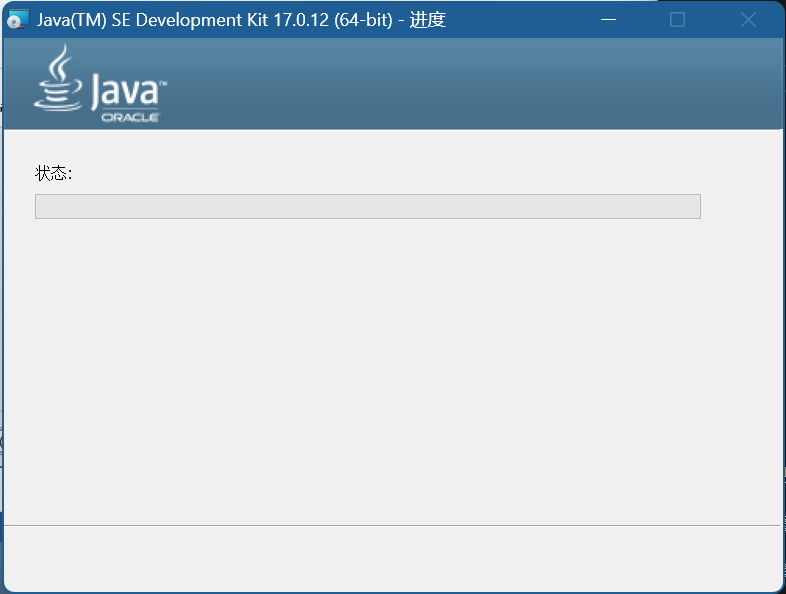
- ##### 等待安装完成
    
    ##### [![image.png](https://wikidocs.tdogmc.cn/uploads/images/gallery/2024-08/scaled-1680-/PrELrOkrJ3VgmKDd-image.png)](https://wikidocs.tdogmc.cn/uploads/images/gallery/2024-08/PrELrOkrJ3VgmKDd-image.png)
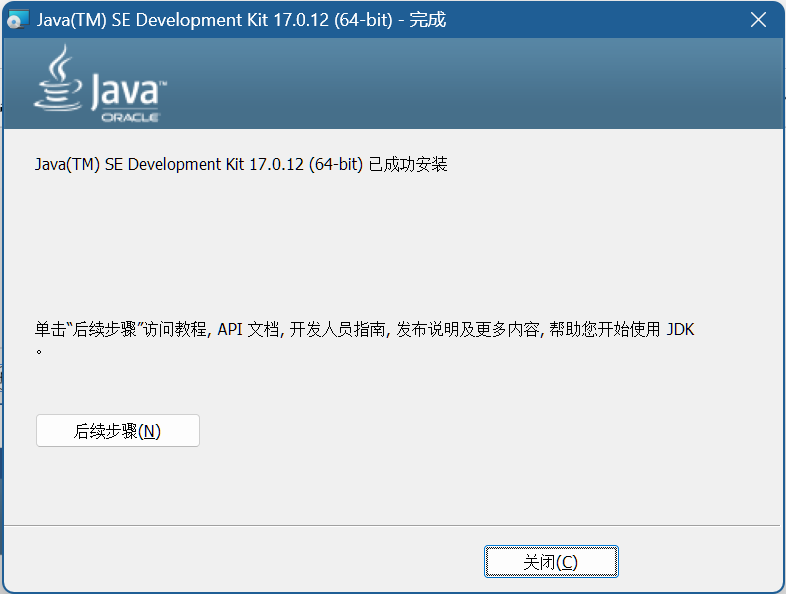
- ##### 如果你看到了这个页面说明安装成功了，点击关闭退出安装程序
    
    ##### ![image.png](https://wikidocs.tdogmc.cn/uploads/images/gallery/2024-08/scaled-1680-/aECIuuyhnxvEDUxs-image.png)